
Artificial Intelligence is no longer something reserved for tech experts or big corporations. Today, AI tools are quietly becoming part of everyday life — helping people write better, design faster, edit videos easily, and even organize their thoughts more clearly. The best part? Many of the most powerful AI tools are available completely free.
Whether you are a student, freelancer, content creator, small business owner, or simply someone curious about technology, free AI tools can help you work smarter without spending money.
In this article, we will explore 10 free AI tools that are genuinely useful, beginner-friendly, and practical for real-world use. No hype, no exaggeration — just tools that actually help.
1. ChatGPT (Free Version)

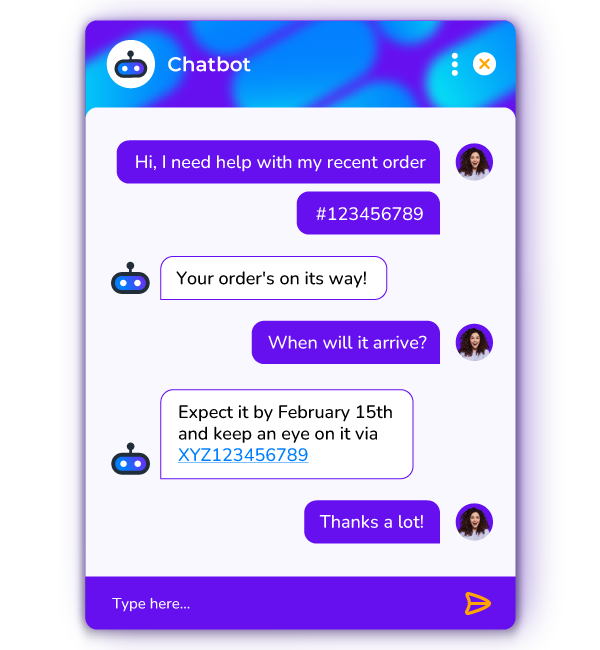

ChatGPT is often the first tool people think of when they hear about AI — and for good reason. It works like a smart assistant that understands questions and responds in a natural, human-like way.
You can use ChatGPT to generate ideas, write drafts, explain complex topics in simple language, or even help you plan projects.
What can you do with it?
- Write blog outlines and drafts
- Create email responses
- Brainstorm business or content ideas
- Learn new topics step by step
- Get help with basic coding
The free version is more than enough for daily use and learning.
Why it stands out:
It feels less like software and more like a thinking partner.
2. Canva AI – Design Made Simple
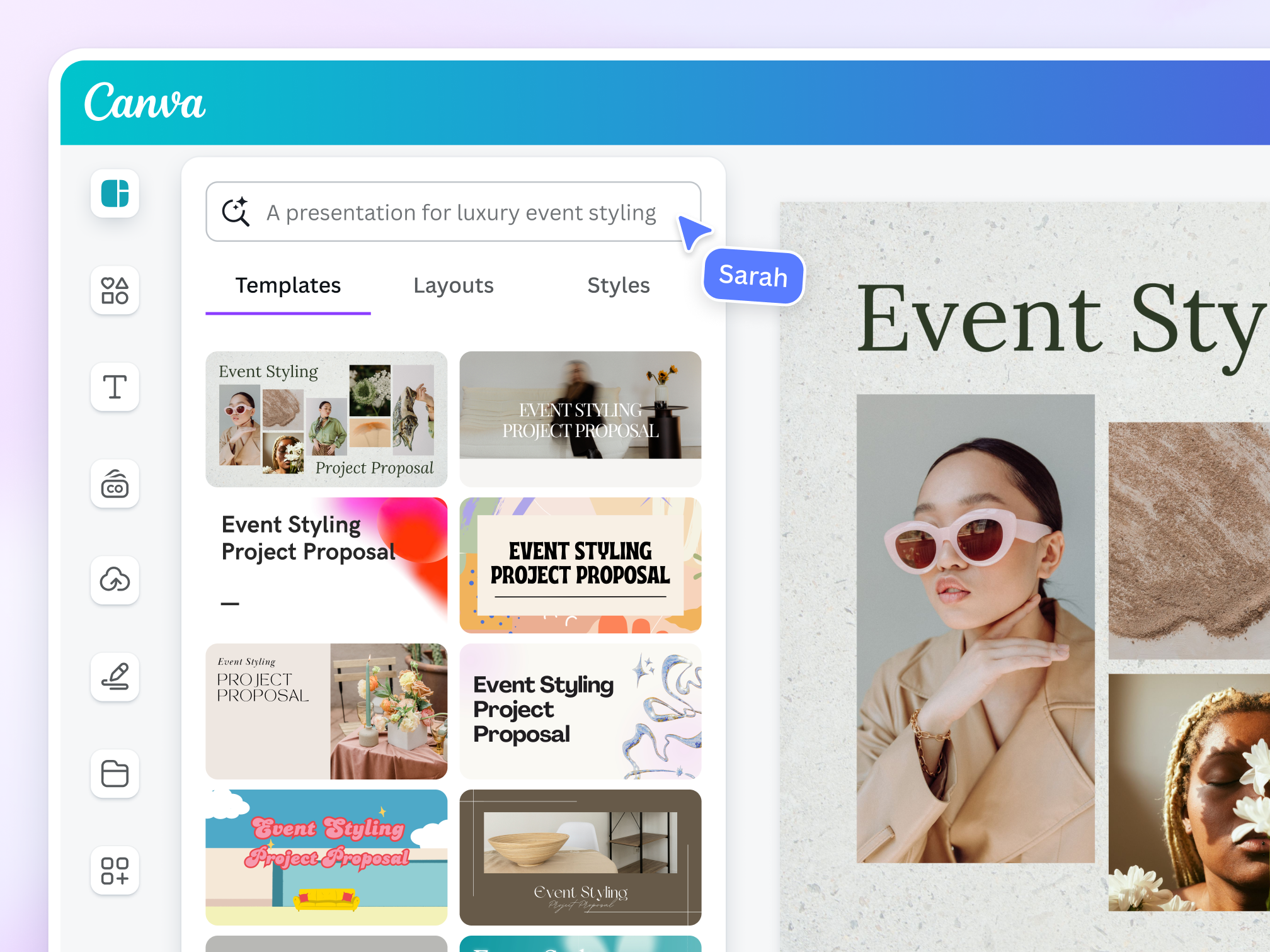
Designing visuals used to require experience with complex software. Canva changed that, and Canva AI has taken it even further.
Canva AI helps you create designs automatically based on your content. You don’t need design knowledge — just ideas.
Free AI features include:
- AI-generated text suggestions
- Automatic layout designs
- Image enhancement tools
- Quick resizing for different platforms
Who should use it?
- Social media creators
- Bloggers
- Small business owners
- Students
If you want professional-looking visuals without hiring a designer, Canva AI is one of the best free options available.
3. Grammarly – Write Clearly and Confidently
Writing in English can be challenging, especially if it’s not your first language. Grammarly helps by checking your writing in real time and suggesting improvements.
The free version focuses on clarity and correctness, making your text easier to read and more professional.
Grammarly helps with:
- Grammar mistakes
- Spelling errors
- Sentence clarity
- Readability
Why it matters:
Clear writing builds trust, especially on websites and blogs that rely on advertising platforms like Google AdX.
4. Pictory – Turn Text into Videos

Video content dominates the internet, but video editing can be time-consuming. Pictory makes it easier by converting written text into short videos automatically.
You simply add text, and the AI suggests visuals, scenes, and transitions.
Best uses:
- Blog summaries
- Short explainer videos
- TikTok or Shorts content
Even the free trial gives you a clear idea of how powerful this tool can be.
5. Remove.bg – Instant Background Removal

Remove.bg does one thing — and does it extremely well. It removes image backgrounds instantly using AI.
No design software. No manual work.
Common uses:
- Product images
- Profile pictures
- Thumbnails
- Marketing creatives
For anyone working with images, this tool can save hours of editing time.
6. ElevenLabs – Realistic AI Voice Generator

ElevenLabs is known for producing AI voices that sound natural rather than robotic. Its free version allows limited usage, but that’s often enough for short videos.
Where it’s useful:
- TikTok and Reels narration
- Educational content
- Short explainer videos
As long as it’s used ethically and for original content, it’s a powerful addition to any content creator’s toolkit.
7. Leonardo AI – Create Stunning Images

Leonardo AI allows you to generate images simply by describing what you want. The results can be realistic, artistic, or cinematic.
Ideal for:
- Blog images
- Concept art
- Custom social media visuals
The platform offers daily free credits, making it suitable for consistent use without payment.
8. Notion AI – Smarter Notes and Planning
Notion AI enhances an already popular productivity tool. It helps organize thoughts, summarize notes, and even generate content ideas.
Best for:
- Students
- Entrepreneurs
- Freelancers
- Team collaboration
If you struggle with organization, Notion AI can help bring structure to your work.
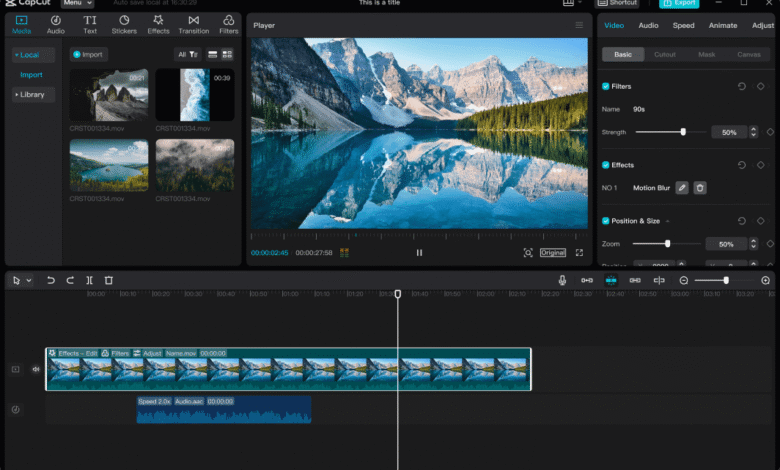
9. CapCut – AI Video Editing for Short Content


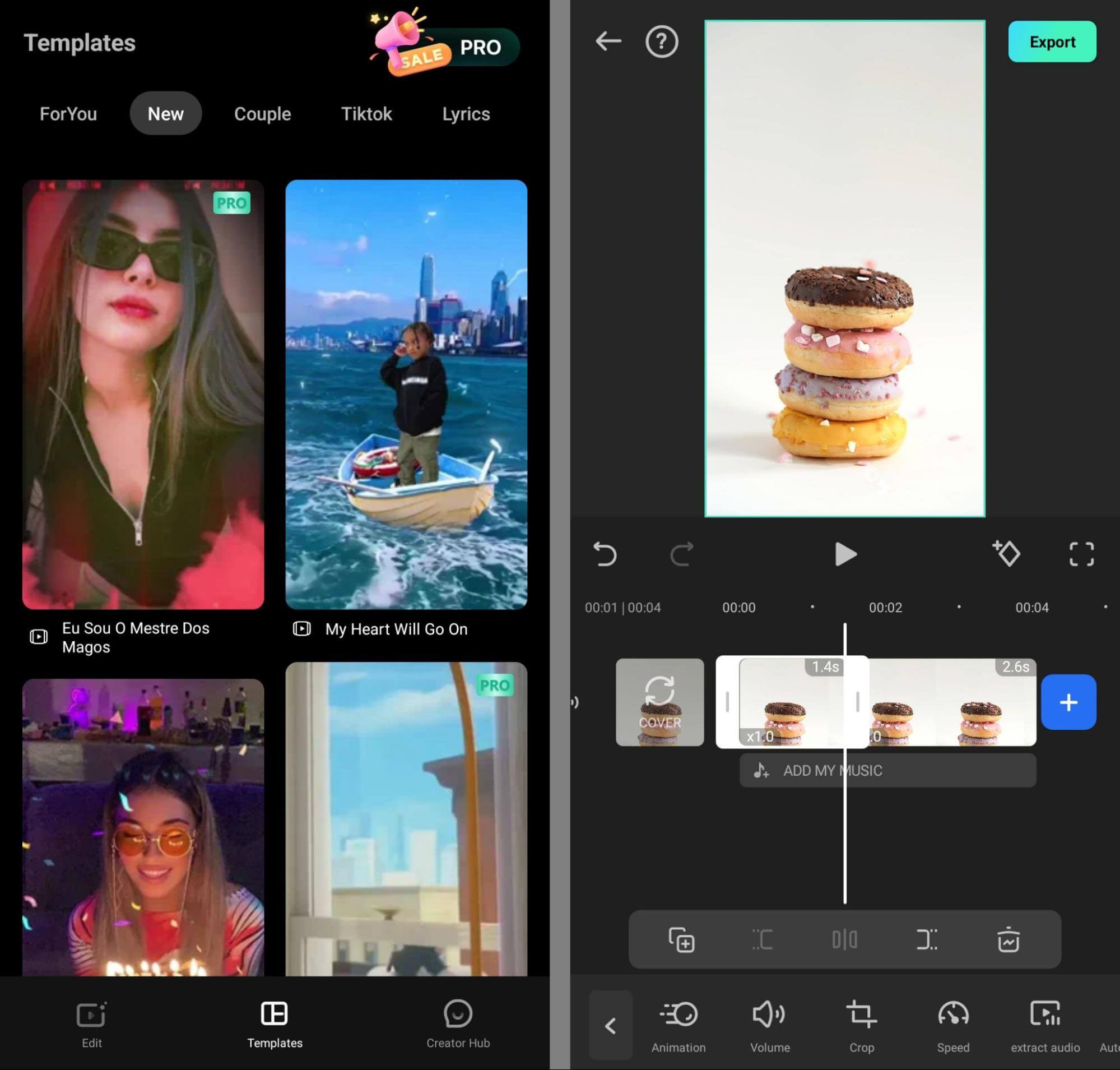
CapCut is especially popular among short-form video creators. It’s simple, fast, and optimized for platforms like TikTok.
Free AI features include:
- Automatic captions
- Text-to-speech
- Smart cuts
- Trending templates
For creators focused on traffic and engagement, CapCut is a must-try.
10. Hugging Face – Explore AI Freely

Hugging Face is more experimental, but it’s an excellent place to explore how AI works. It offers free demos, tools, and models for learning and testing.
Who should try it?
- Curious learners
- Tech enthusiasts
- Anyone wanting deeper AI understanding
Even casual exploration can help you understand AI beyond surface-level use.
Why Free AI Tools Matter Today
Using AI tools isn’t about replacing human effort — it’s about enhancing it. These tools help you:
- Save time
- Improve quality
- Learn faster
- Work more efficiently
People who adopt AI early often gain a strong advantage, especially in content creation and online businesses.